Remote Work and Home Swapping: The Ultimate Guide to Working from Anywhere

SwappaHome Editorial Team
Home Exchange & Slow Travel Editorial
Combine remote work with home swapping to live and work anywhere in the world. Real strategies, workspace tips, and how to find the perfect swap for digital nomads.
I'm typing this from a sun-flooded apartment in Lisbon's Alfama district, the sound of fado music drifting up from the street below. My laptop's perched on an antique desk that probably belonged to someone's grandmother, and I've got a €1.20 espresso cooling beside me. This is my office for the next three weeks—and I'm not paying a cent for accommodation.
Remote work and home swapping changed everything for me. Not in that cliché "quit your job and travel" way, but in a sustainable, actually-works-for-real-people way. I've been combining these two lifestyle strategies for four years now, and I've figured out what actually matters when you're trying to work from anywhere while living like a local.
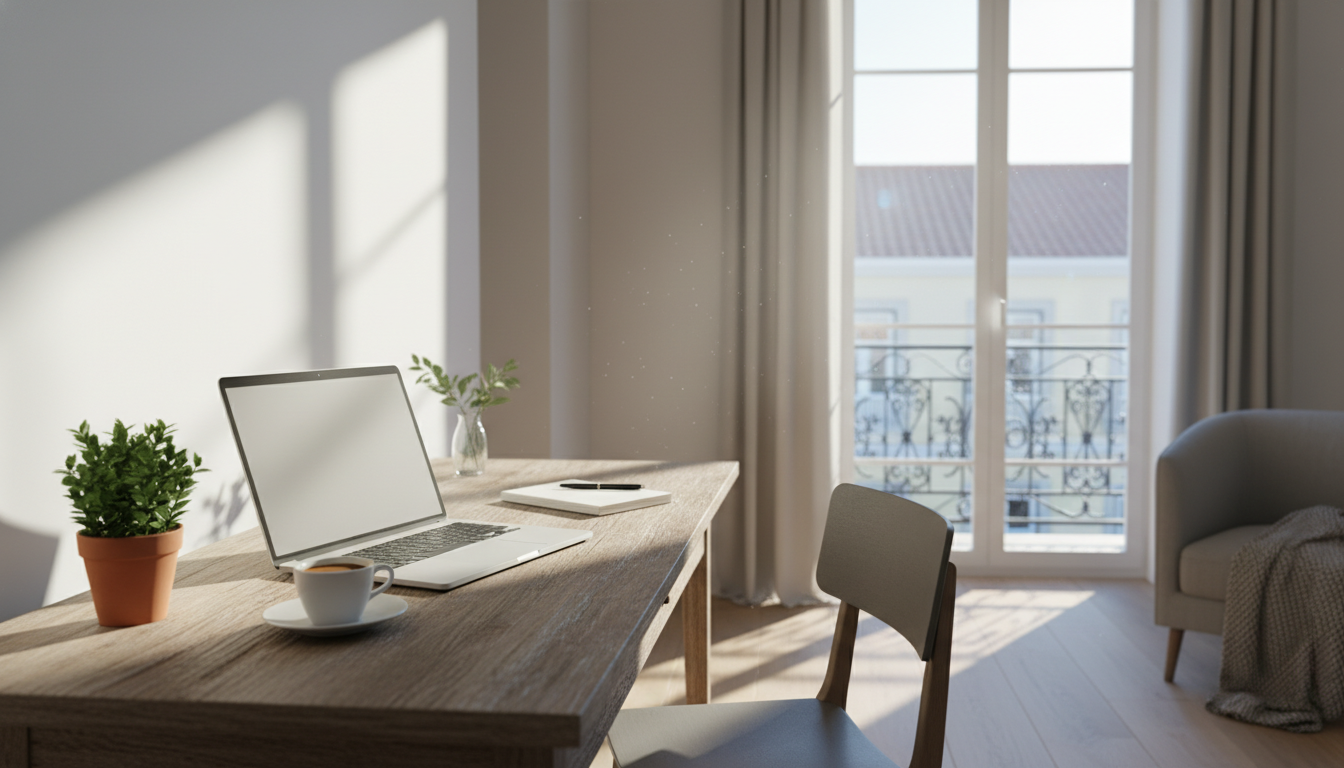 sunlit home office setup in a Lisbon apartment with traditional Portuguese tiles visible through the
Why Remote Work and Home Swapping Are the Perfect Match
Here's what nobody tells you about the digital nomad lifestyle: it's expensive. Like, really expensive. Airbnbs in popular remote work destinations run $80-150/night minimum. Co-living spaces charge $1,500-3,000/month. Hotels? Don't even get me started.
But remote work combined with home swapping? That's where things get interesting.
Last year, I spent six weeks in Barcelona working on a major project. My accommodation cost? Zero dollars. I swapped my San Francisco apartment with a graphic designer from the Gràcia neighborhood. She got to explore California while I set up shop in her gorgeous flat with a dedicated home office, fast WiFi, and a balcony where I'd take my afternoon calls.
The math is almost embarrassing. A comparable Airbnb in Gràcia would've run me about $120/night. Over six weeks, that's $5,040. Instead, I spent that money on jamón ibérico, wine, and a weekend trip to the Costa Brava. No regrets.
But it's not just about money—though, honestly, the savings are ridiculous. Home swapping gives you something hotels and rentals can't: a real home with a real workspace. Your swap partner has already solved the WiFi problem. They've got a comfortable desk setup. They know which cafés have good internet for backup. You're inheriting their entire work-from-home infrastructure.
How to Find the Perfect Home Swap for Remote Work
Not every home swap works for remote work. I learned this the hard way during a swap in rural Portugal—beautiful stone cottage, terrible internet, nearest café with WiFi was a 40-minute drive. I spent more time searching for signal than actually working.
Now I have a system. And it starts way before I even browse listings.
Know Your Non-Negotiables
Before you start searching for work-friendly home swaps, get crystal clear on what you actually need. For me, that list looks like this: minimum 50 Mbps internet (I do video calls daily), a dedicated workspace that's not the kitchen table, and a backup option within walking distance.
Your list might be different. Maybe you need a standing desk because of back issues. Perhaps you require a second monitor. Some people need absolute silence; others work better with ambient noise.
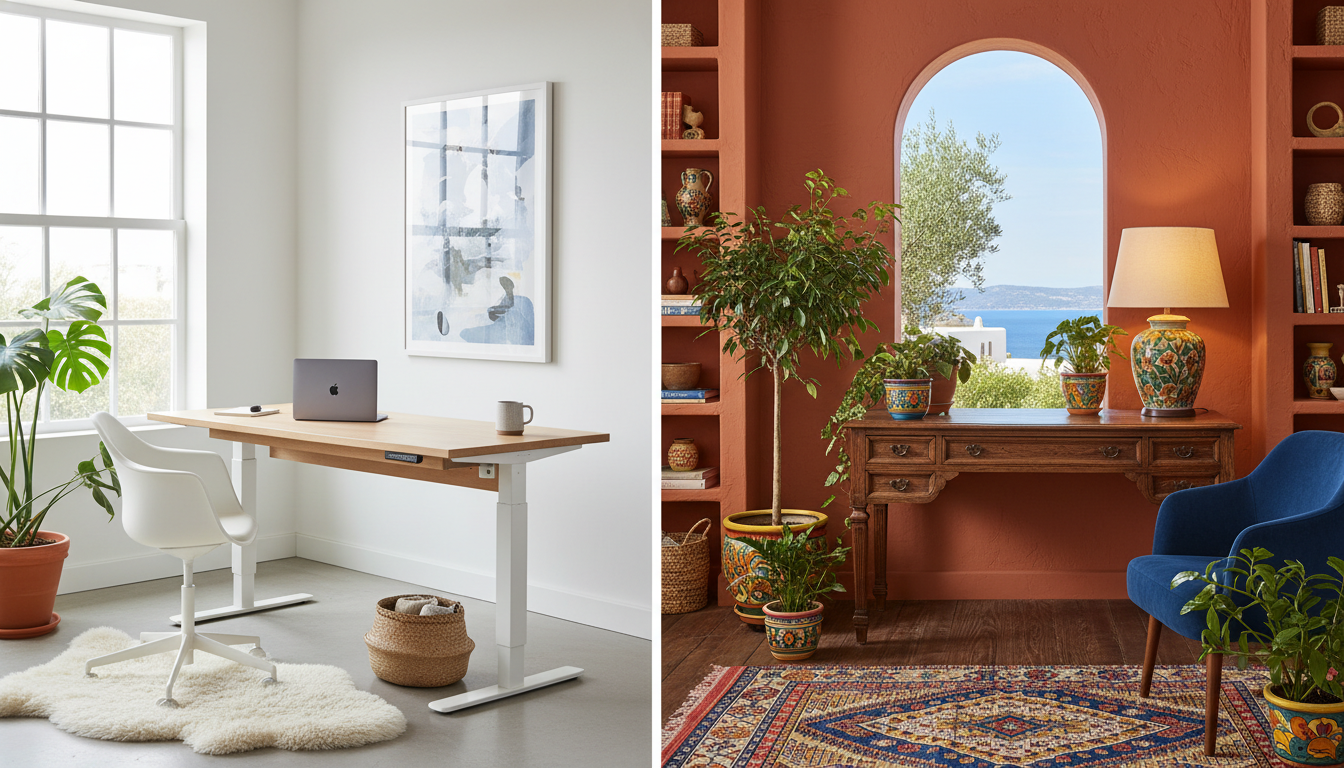 split image showing two home office setups - one minimalist Scandinavian style with standing desk, o
The Questions You Must Ask Before Confirming
I send every potential swap partner the same set of questions. It feels a bit formal at first, but it's saved me from disasters multiple times.
For internet specifics, I ask about actual download/upload speed—I have them run a speedtest.net test and send a screenshot. Is it fiber, cable, or DSL? How reliable is it, and are there any regular outages? For workspace setup, I want to know if there's a dedicated desk and chair, what the lighting situation is, and whether the workspace is in a separate room or part of the living area. I also ask about backup options like nearby cafés or coworking spaces and the WiFi situation at local libraries. Noise levels matter too—is the street quiet during work hours? Any construction happening? Neighbors with barking dogs or crying babies? And for time zone considerations, I ask what time street noise typically starts and whether there are church bells or call-to-prayer sounds at specific times.
On SwappaHome, I've found most members are incredibly helpful about this stuff. They get it—many of them are remote workers too. The messaging system makes it easy to have these detailed conversations before you commit to anything.
Red Flags to Watch For
Vague answers about internet speed ("it's pretty fast" means nothing). Photos that don't show any workspace. Listings that mention "cozy" bedrooms but no mention of a desk. Locations that are described as "peaceful" or "quiet retreat"—sometimes code for "middle of nowhere with spotty connection."
I also pay attention to the neighborhood. A listing in Bali sounds dreamy until you realize it's in Ubud where power outages are common, versus Canggu where the digital nomad infrastructure is solid.
Best Destinations for Remote Work Home Swapping
After 40+ swaps, I've developed strong opinions about where remote work and home swapping work best together. The sweet spot is places with established remote work culture (meaning good infrastructure), active home swap communities, and reasonable cost of living so your swap partner actually wants to visit your city too.
Lisbon, Portugal
I keep coming back here. The remote work scene is mature—you'll find backup coworking spaces like Second Home ($250/month) or Heden ($200/month) everywhere. Most apartments built after 2010 have fiber internet. The time zone works for both US East Coast (5 hours ahead) and European clients.
Best neighborhoods for work-friendly swaps: Príncipe Real (quiet, cafés everywhere), Santos (up-and-coming, great value), Alfama (charming but check the WiFi—old buildings can be tricky).
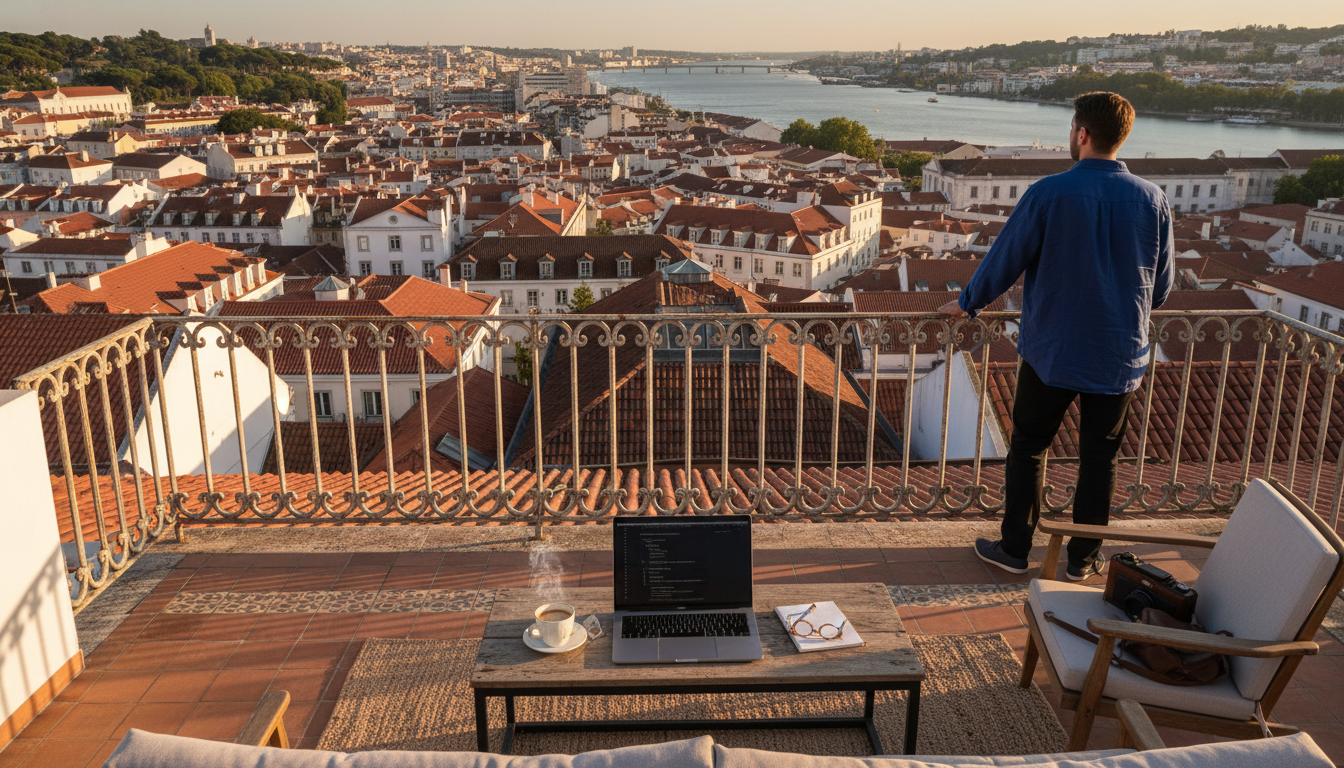 rooftop terrace workspace in Lisbon with laptop, city view showing terracotta rooftops and the Tagus
Barcelona, Spain
The Gràcia and Eixample neighborhoods are goldmines for home swaps with proper workspaces. Barcelona has a huge remote worker population, so many apartments are already set up for it. Fiber internet is standard in most buildings.
Pro tip: Avoid the Gothic Quarter for extended work stays. It's gorgeous but loud, and the ancient buildings mean inconsistent internet. Poblenou is the tech hub—think Barcelona's Brooklyn—with tons of swap options from startup founders and freelancers.
Mexico City, Mexico
Condesa and Roma Norte have exploded with remote workers, which means the home swap inventory there is excellent for digital nomads. Internet speeds have improved dramatically—most listings now advertise 100+ Mbps. The time zone aligns with US hours, and the cost of living means your swap partner is probably eager to experience your city.
I did a three-week swap here last winter. My host was a UX designer with a beautiful setup: standing desk, ergonomic chair, ring light for video calls. She'd thought of everything because she needed it herself.
Tokyo, Japan
Underrated for home swapping, but the swaps that exist are incredible. Japanese apartments are compact but efficient—many have dedicated work nooks that Americans would kill for. Internet is blazing fast (often 1 Gbps). The challenge is time zones if you work with US clients, but if you're serving Asian or Australian markets, it's perfect.
Unexpected Gems
Tallinn, Estonia has a growing home swap scene thanks to their digital nomad visa program. Ljubljana, Slovenia is small but the swap community is active and the infrastructure is excellent. Cape Town, South Africa works if you're on European time—stunning homes, great internet in the right neighborhoods (Sea Point, Green Point, De Waterkant).
Setting Up Your Home for Work-Friendly Swaps
Here's the thing about home swapping: it's reciprocal. If you want access to amazing work-ready homes, you need to offer one yourself.
When I first listed my San Francisco apartment on SwappaHome, I made a rookie mistake. I described it like a vacation rental—great location, walking distance to restaurants, beautiful views. What I should have emphasized was the 500 Mbps fiber internet, the dedicated desk with an ergonomic chair, and the quiet home office with a door that closes.
Once I updated my listing to highlight the remote work setup, I started getting requests from exactly the kind of travelers I wanted to swap with: other remote workers who'd take care of my space because they understood the value of a good home office.
 well-organized home office space ready for guests, showing desk setup with monitor, good lighting, p
Upgrades That Pay Off
You don't need to spend thousands, but a few investments make your home irresistible to remote workers.
An internet upgrade is worth it if you're still on a basic plan—upgrade to the fastest available. The extra $20-40/month pays for itself. I went from 100 Mbps to 500 Mbps, and it's mentioned in almost every review I get. A real desk setup matters too—not a wobbly table from IKEA, but a proper desk with a comfortable chair. I spent $300 on a used Herman Miller Aeron, and it's the best swap investment I've made. Good lighting makes video calls look professional; a simple desk lamp or cheap ring light ($30-50) does the trick, and guests love them. A second monitor is above and beyond, but I keep a spare 24" monitor that guests can use. It's mentioned in my listing and gets comments constantly.
What to Include in Your Listing
Be specific. Don't just say "WiFi included." Say: "500 Mbps fiber internet, tested monthly, with mesh network covering the entire apartment. Backup mobile hotspot available if needed."
Mention the workspace dimensions, the chair type, whether there's natural light, and how quiet the space is during work hours. Include a photo specifically of the workspace—not just the living room with a laptop artfully placed on the couch.
Managing Time Zones and Work Schedules While Swapping
This is where remote work home swapping gets tricky. You're not on vacation—you have actual work to do. But you're also in an amazing new place that you want to explore.
I've tried a lot of approaches. Here's what actually works.
The Split Schedule
My favorite method: work your home time zone hours for half the day, then explore. When I was in Lisbon (5 hours ahead of New York), I'd wake up late by local standards—around 10 AM—and work until 6 or 7 PM. That covered the US business day. Then I had the entire evening for exploring, dinner, and actually enjoying the city.
The bonus? European evenings are magical. The light is golden, the restaurants are lively, and you've got energy because you haven't been sightseeing all day.
The Early Bird Approach
When I swapped to Tokyo (14 hours ahead of San Francisco), I flipped it. I'd wake at 5 AM local time, work until 1 PM, then have the entire afternoon and evening free. It sounds brutal, but Tokyo mornings are peaceful and beautiful. I'd watch the sunrise over the city while on calls, then spend afternoons in temples and izakayas.
Communicate With Your Team
Before any extended swap, I tell my clients and colleagues exactly what's happening. Not "I'll be traveling" but "I'll be working from Lisbon for three weeks. I'll be available 2-8 PM your time, and I'll respond to non-urgent messages within 12 hours."
Most people are surprisingly cool with it. Some are even jealous.
 laptop showing video call in progress, with a window view of Barcelonas Sagrada Familia in the backg
The Practical Stuff Nobody Talks About
Power and Adapters
This seems basic, but I've seen people scramble. I travel with a universal adapter, a small power strip (so one adapter powers multiple devices), and a portable charger that can handle my laptop. The power strip is key—you only need one adapter instead of four.
VPN Considerations
Some work tools get weird when you're logging in from another country. I keep a VPN subscription ($5-10/month) and use it selectively—mainly for accessing US-only services or when I need my work tools to think I'm home.
Shipping and Mail
If you're doing extended swaps, figure out your mail situation. I use a virtual mailbox service ($15/month) that scans my mail and forwards packages when needed. Some swap partners are happy to receive occasional packages for you—just ask.
Health Insurance and Coverage
Remote work abroad means thinking about health coverage. Your regular insurance probably doesn't cover you internationally. I use SafetyWing ($45/month) for international health coverage. It's designed for remote workers and covers you in most countries.
Building Your Home Swap Network
The best swaps come from relationships, not cold searches. After four years, I have a network of fellow remote workers I swap with regularly. We know each other's work setups, we trust each other's homes, and arranging swaps is as easy as texting "Hey, want to swap in October?"
This takes time to build, but you can accelerate it.
Be an excellent guest. Leave the home cleaner than you found it. Write detailed, genuine reviews. Send a thank-you message with specific things you appreciated. Be an excellent host too—when someone stays in your place, go above and beyond. Leave a welcome guide with your favorite cafés, your WiFi tips, your recommendations for quiet work spots. And stay in touch. After a great swap, connect on social media. Comment on their posts. When you're planning your next trip, reach out to past swap partners first.
On SwappaHome, I've found the community aspect really helps with this. The review system builds accountability, and the messaging makes it easy to maintain relationships over time.
When Things Go Wrong (And How to Handle It)
I'll be real with you: not every swap is perfect. I've dealt with slower-than-advertised internet, a "home office" that was actually a corner of a bedroom, and one memorable situation where the neighbor's renovation started the day I arrived.
Here's how I handle it.
Have a backup plan. Before every swap, I identify 2-3 cafés with good WiFi and at least one coworking space I can use in emergencies. Day passes at coworking spaces typically run $15-30. Communicate early—if something's not working, message your swap partner immediately. Most issues have solutions. Maybe they can call their internet provider, or point you to their favorite café, or adjust something remotely. Be flexible. That renovation situation? I shifted my schedule to work early mornings before the drilling started, then explored during construction hours. Not ideal, but workable. And learn for next time. Every imperfect swap teaches you something. Now I always ask about nearby construction. I request speedtest screenshots, not just promises. I've gotten better at reading between the lines of listings.
Making It Sustainable Long-Term
Remote work and home swapping isn't a vacation—it's a lifestyle. And like any lifestyle, it needs to be sustainable.
I typically do 3-4 extended swaps per year, each lasting 2-6 weeks. In between, I'm home, working from my own setup, hosting swap guests, and planning the next adventure. This rhythm works for me—enough novelty to keep things exciting, enough stability to maintain deep work.
Some people go harder—perpetual travelers doing back-to-back swaps. That's impressive, but it's also exhausting. Know your limits.
The beauty of home swapping is that it scales to your life. You can do one swap a year or twelve. You can swap for a weekend or a season. You can stick to your time zone or circumnavigate the globe.
Four years in, I can't imagine working any other way. My laptop has connected to WiFi in 25 countries. I've written reports from Tuscan farmhouses and taken calls from Tokyo apartments and edited documents in Mexican courtyard gardens. And I've done it all while paying exactly zero dollars for accommodation.
That's the magic of combining remote work with home swapping. It's not about escaping your life—it's about expanding where your life can happen.
If you're ready to try this yourself, SwappaHome is where I'd start. The platform makes it easy to search for work-friendly homes, message potential swap partners with your specific questions, and build the kind of trust that makes remote work swapping actually work. New members get 7 free credits—enough for a solid test run of this whole lifestyle.
The world's full of home offices with your name on them. You just have to swap for them.
Frequently Asked Questions
How do I ensure reliable WiFi when home swapping for remote work?
Always ask your swap partner for a current speedtest.net screenshot before confirming. Request specific details: fiber vs. cable, typical speeds, and any known outages. Identify 2-3 backup locations (cafés, coworking spaces) near the home. Most remote workers on SwappaHome understand these concerns and happily provide detailed internet information.
Can I really work full-time while home swapping abroad?
Absolutely. I've maintained a full client load during 40+ international swaps. The key is choosing homes with dedicated workspaces, managing time zone differences strategically, and communicating clearly with your team about your availability. Many home swap listings now specifically cater to remote workers with proper desk setups and fast internet.
How much money can I save combining remote work with home swapping?
Substantial savings are typical. A month-long stay in cities like Barcelona or Lisbon costs $3,000-4,500 in Airbnbs. With home swapping, your accommodation cost is zero—you only spend credits. I've saved over $15,000 annually on accommodation while working from Europe, Asia, and Latin America.
What's the best way to find work-friendly home swaps?
Search for listings that specifically mention home offices, fast WiFi speeds, or remote work setups. Filter by neighborhoods known for digital nomads (Gràcia in Barcelona, Condesa in Mexico City, Alfama in Lisbon). On SwappaHome, message hosts directly with your workspace requirements before booking—serious remote workers appreciate the detailed questions.
How do I handle different time zones while working from a home swap?
Plan your schedule before arriving. For 5-8 hour differences, try the split schedule: work your home time zone hours, then explore evenings. For larger gaps (like US to Asia), consider the early bird approach—start at 5 AM local time to overlap with afternoon hours back home. Always communicate adjusted availability to clients and colleagues in advance.

Published by
SwappaHome
SwappaHome Editorial Team
Home Exchange & Slow Travel Editorial
The SwappaHome Editorial Team brings together travel research, home-exchange community insights, and platform data to produce practical guides for first-time and experienced home swappers. Every article cites real platforms, current market rates, and verifiable city-level facts so readers can make informed decisions without guessing.
Ready to try home swapping?
Join SwappaHome and start traveling by exchanging homes. Get 7 free credits when you sign up!
Related articles

Bachelor and Bachelorette Parties in Singapore: The Complete Home Swap Group Guide for 2026
Planning a bachelor or bachelorette party in Singapore? Discover how home swapping lets groups of 6-12 stay together in luxury condos, saving thousands while partying in Marina Bay.

Cycling in Lisbon: 7 Home Swap Bike Tour Itineraries for Every Rider
Discover the best cycling routes in Lisbon with these home swap bike tour itineraries—from waterfront paths to hilltop adventures, all starting from your borrowed home.

Graduation Trip to Barcelona: How Home Swapping Gives New Graduates the Ultimate Celebration
Planning a graduation trip to Barcelona? Discover how home swapping lets new graduates explore Spain's most vibrant city without the hostel crowds or hotel costs.